
On this page
Introduction
TL;DR
Use ren *.jpg photo_*.jpg to add a prefix, or ren "old name.txt" "new name.txt" for single files.
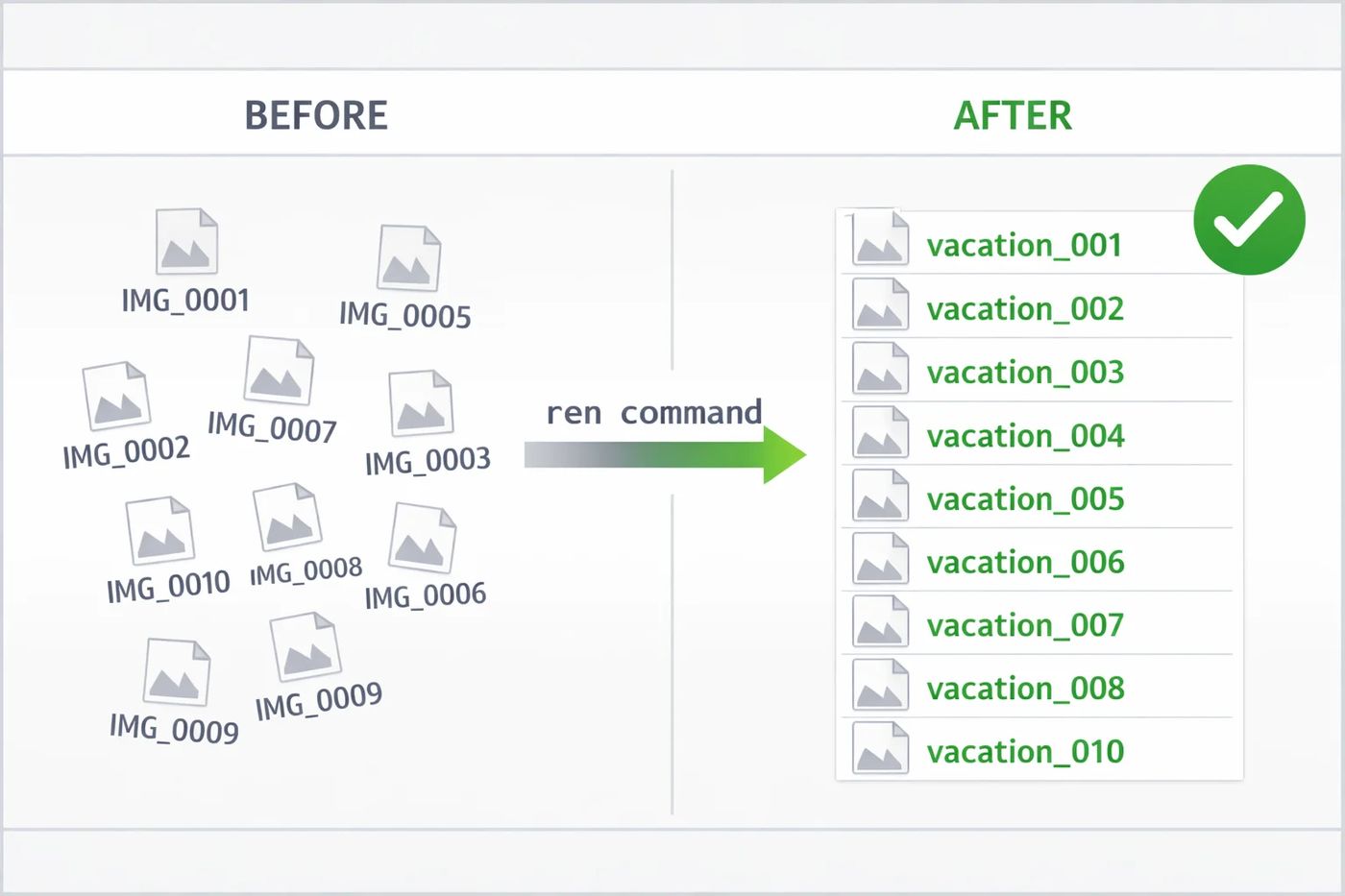
You just downloaded 500 photos from your camera, and they're all named IMG_0001.jpg through IMG_0500.jpg. Not very helpful.
Renaming them one by one? That could take hours. Downloading fancy software? Overkill. The solution is already on your computer: Windows Command Prompt.
In this guide, you'll learn how to rename hundreds of files in seconds using simple CMD commands.
Basic Rename (Single File)
Before batch operations, let's master the basics. The ren (or rename) command changes a file's name.
1Open CMD in Your Folder
Navigate to the folder containing your file. Click the address bar, type cmd, and press Enter.
2Run the Rename Command
Pro Tip
Use quotes around filenames if they contain spaces. Without quotes, CMD treats each word as a separate argument.
Batch Rename (Many Files)
Now for the fun part: renaming multiple files at once using wildcards.
Add a Prefix to All Files
Want to add "project_" before every .txt file? Here's how:
notes.txt → project_notes.txt
data.txt → project_data.txt
Change File Extensions
Need to convert all .txt files to .md (Markdown)? Simple:
Replace Part of Filename
Unfortunately, CMD's ren can't do find-and-replace natively. For that, use PowerShell:
Advanced Patterns
Rename with Sequential Numbers
Create numbered files like photo_001.jpg, photo_002.jpg:
set n=1 & for %f in (*.jpg) do (ren "%f" "photo_!n!.jpg" & set /a n+=1)* Run this in a .bat file or enable delayed expansion in CMD first.
Rename in Subfolders
To rename files in all subdirectories, use the /r switch with for:
for /r %f in (*.txt) do ren "%f" "backup_%~nxf"Troubleshooting
"The syntax is incorrect"
You probably forgot quotes around filenames with spaces, or used the wrong slash. CMD uses backslash \, not forward slash.
"A duplicate file name exists"
Your rename pattern creates a name that already exists. Add unique prefixes or use numbered sequences.
"%f was unexpected"
In batch files (.bat), use %%f instead of %f. The double percent is required.
Frequently asked questions
Can I undo a batch rename?
No built-in undo exists. Always test on a copy of your files first, or back them up before running batch commands.
Does this work on Mac or Linux?
No, these are Windows commands. On Mac/Linux, use the "mv" command or tools like "rename" (Perl-based).
Can I preview changes before applying?
Yes! Replace "ren" with "echo" in your command. It will show what would happen without actually renaming.
How do I rename files with special characters?
Wrap filenames in double quotes. For files with quotes in the name, use escape characters or rename them manually first.

 MD Kawsar· January 18, 2026 · 4 min read