Introduction
TL;DR
Create multiple folders: mkdir src\components src\pages src\utils src\assets
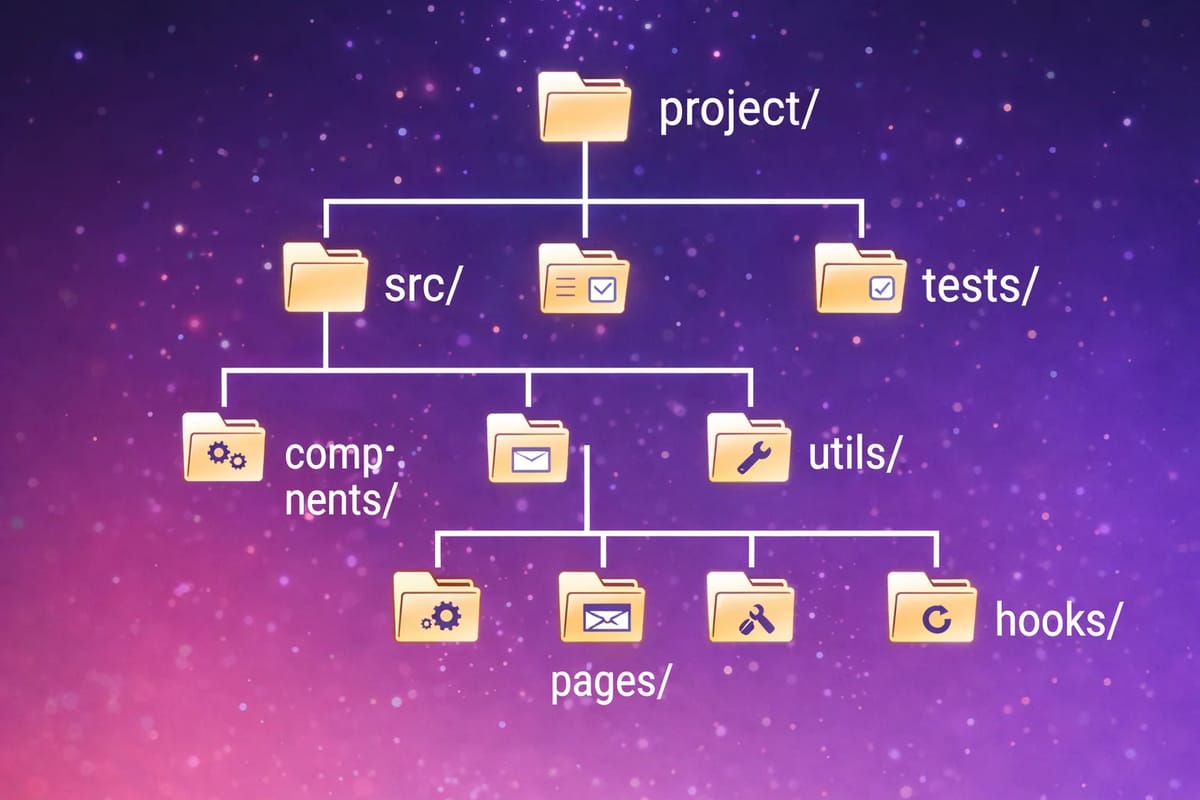
Starting a new project? You probably need the same folder structure every time: src, components, assets, docs...
Instead of clicking through File Explorer, create your entire project skeleton with one command.
Basic Folder Creation
The mkdir (or md) command creates directories. You can create multiple at once.
Single Folder
Multiple Folders at Once
📁 docs
📁 tests
📁 assets
📁 config
Nested Folder Structure
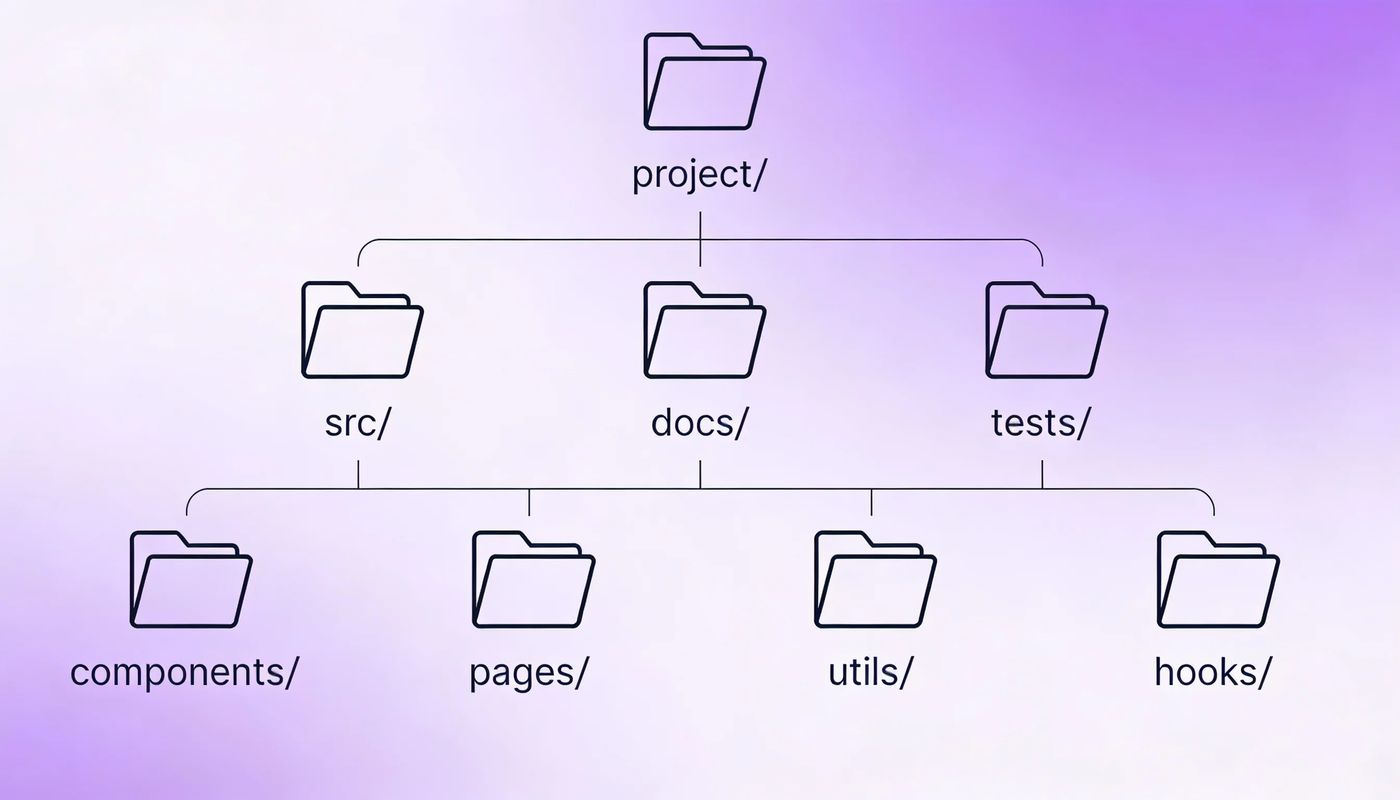
Need nested folders? mkdir creates parent folders automatically.
├── 📁 components
│ ├── 📁 ui
│ └── 📁 layout
├── 📁 pages
├── 📁 hooks
└── 📁 utils
Pro Tip
On Windows, use backslash \ for paths. In PowerShell, forward slash / also works.
Ready-to-Use Templates
Copy these commands immediately for common project types:
React/Next.js Project
mkdir src\components src\pages src\hooks src\utils src\styles src\assets publicPython Project
mkdir src tests docs data config scriptsFull-Stack Project
mkdir frontend\src backend\src backend\api database docs scripts deployDesign/Assets Project
mkdir assets\images assets\icons assets\fonts exports source referencesFrequently asked questions
Can I also create files with mkdir?
No, mkdir only creates folders. To create files, use: echo. > filename.txt (creates empty file) or type nul > filename.txt
What if the folder already exists?
Windows will show an error but continue creating the rest. In PowerShell, use -Force to suppress the error: New-Item -ItemType Directory -Force -Path folder1, folder2
How do I save this as a reusable script?
Create a .bat file with all your mkdir commands. Double-click it whenever you start a new project.
Can I create folders with spaces in the name?
Yes, wrap the name in quotes: mkdir "My Project" "Source Code" "Build Output"


 MD Kawsar· January 18, 2026 · 3 min read