On this page
Introduction
Data is the new oil, but it's often locked behind websites. Web scraping is the key to unlocking it.
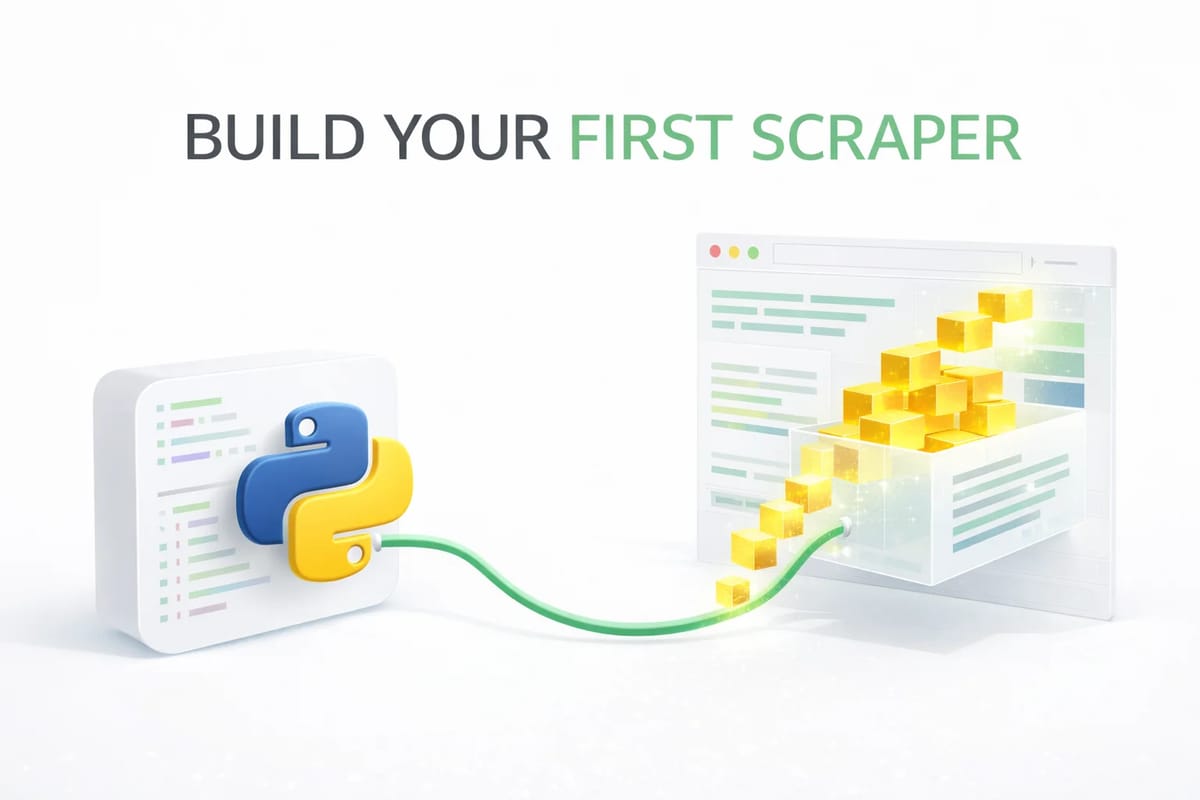
In this guide, we'll build a real web scraper in Python in just 5 easy steps. We'll extract quotes from a practice website, understand how it works, and save the data to a CSV file. No complex frameworks—just pure Python power.
Prerequisites
Setup
You need Python installed. Then, install two essential libraries:
- requests: To download the web page.
- beautifulsoup4: To read the HTML and find data.
Step 1: Inspect the Target Page
Before coding, we need to know what we're looking for. Open http://quotes.toscrape.com in your browser.
Right-click on a quote and select Inspect. You'll see the HTML structure looks like this:
<div class="quote">
    <span class="text">"The world as we have created it is a process of our thinking."</span>
    <small class="author">Albert Einstein</small>
</div>
Goal: We want to grab the text inside span.text and the author inside small.author.
Step 2: Send HTTP Request
We need to download the HTML code of the page into our Python script. We use the requests library for this.
import requests

url = "http://quotes.toscrape.com"
response = requests.get(url)

print(response.status_code)
# Output: 200 (Which means "OK")
Step 3: Parse the HTML
We have the raw HTML text, but it's just a giant string. BeautifulSoup converts this string into a tree of objects that we can navigate (like "find all divs").
from bs4 import BeautifulSoup

soup = BeautifulSoup(response.text, "html.parser")

# Now 'soup' is a searchable object!
print(soup.title.text)
# Output: Quotes to Scrape
Step 4: Extract the Data
Now the magic happens. We loop through all elements with the class quote and pluck out the text and author.
quotes_data = []

# Find all quote cards
quote_elements = soup.find_all("div", class_="quote")

for quote in quote_elements:
    text = quote.find("span", class_="text").text
    author = quote.find("small", class_="author").text

    quotes_data.append({
        "text": text,
        "author": author
    })

print(f"Scraped {len(quotes_data)} quotes!")
Step 5: Save to CSV
Data is useless if you don't save it. Let's write our list of dictionaries to a CSV file using Python's built-in csv module.
Complete Code
import requests
from bs4 import BeautifulSoup
import csv

url = "http://quotes.toscrape.com"
response = requests.get(url)
soup = BeautifulSoup(response.text, "html.parser")

quotes_data = []
quote_elements = soup.find_all("div", class_="quote")

for quote in quote_elements:
    text = quote.find("span", class_="text").text
    author = quote.find("small", class_="author").text
    quotes_data.append({"text": text, "author": author})

# Saving to CSV
with open("quotes.csv", "w", newline="", encoding="utf-8") as f:
    writer = csv.DictWriter(f, fieldnames=["text", "author"])
    writer.writeheader()
    writer.writerows(quotes_data)

print("Done! Check quotes.csv")
Visual Guide: How Scrapers Work
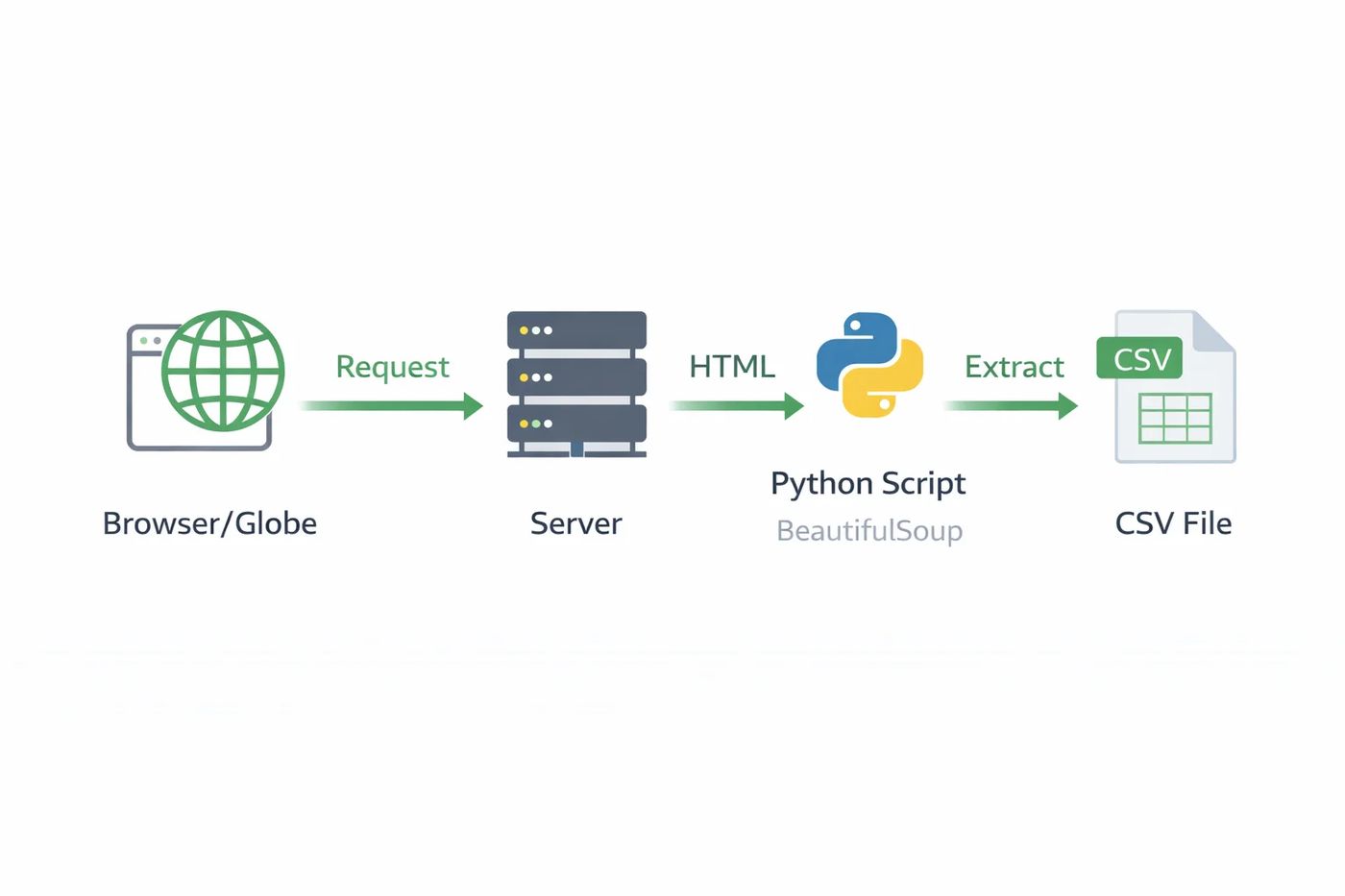
The Scraping Lifecycle
- Request: Python sends an HTTP GET request (like a browser).
- Response: Server sends back raw HTML strings.
- Parse: BeautifulSoup converts strings into a DOM Tree.
- Extract: We select specific nodes (tags) from that tree.
- Store: Extracted strings are saved to a file.
Frequently asked questions
Is web scraping legal?
generally yes for public data, but you must respect the website's terms of service and robots.txt file. Don't scrape personal data or copyrighted content.
What if the website uses JavaScript (React/Vue)?
Requests + BeautifulSoup won't work because the HTML is empty until JS runs. You'll need a tool like Playwright, Selenium, or Firecrawl (see our other guide!).
How do I scrape multiple pages?
Wrap your code in a loop! Find the 'Next' button link, update the URL, and repeat the request process.

 MD Kawsar· January 18, 2026 · 11 min read